Know where your money is heading.
Alfred turns what you know about your income and spending into a month-by-month forecast of your balance, 12 to 60 months ahead. Personal savings or company treasury, uncertainty included.

- 12–60
- months of forecast
- Pick the horizon that matches the decision in front of you.
- 1 000
- simulated futures
- A Monte Carlo run behind every plan draws the p10–p90 band.
- 3
- views of one plan
- Optimistic, expected and pessimistic, one tap apart.
- 0
- accounts, servers, logins
- The plan lives on your device and nowhere else.
A forecast that takes uncertainty seriously.
Every income and expense carries how sure you are it happens and how big it might be. Alfred does the arithmetic across every month of the horizon.
Monthly forecast
Your balance month by month, with every line that moved it. Tap a month to see what came in, what went out and why the number changed.
Confidence and ranges
A bonus at 70 %, a mortgage rate that may land between two numbers. Alfred weights each item instead of pretending everything is certain.
Three views, one tap apart
Optimistic, expected and pessimistic read the same plan with different assumptions, so you see the spread before it happens.
1 000 simulated futures
A Monte Carlo run behind the balance chart shows the p10–p90 band and the probability of hitting zero.
Scenarios with inheritance
Layer changes on top of the base plan: half a salary, a new rent, a late invoice. Scenarios build on each other and compare against the base.
Goals, milestones, runway
Target balances with deadlines, the month your savings peak, how long they last. The insights read like sentences, not spreadsheets.
Start from a balance you trust.
Enter your account balance, the day you confirmed it and how far ahead you want to look, from 12 to 60 months.
Once a month Alfred asks you to confirm the real balance, so the forecast always starts from reality instead of drifting away from it.

Add incomes, expenses and one-off events.
Each item has a frequency, a confidence that it happens at all and, when the amount is uncertain, a range. Expenses are mandatory, recommended or optional, so the pessimistic view knows what can go first.
Goals give the forecast something to aim at: a target balance, optionally with a deadline.

See the months before they arrive.
The dashboard shows runway, lowest balance and drawdown, the balance curve with its simulation band, cashflow and savings charts, insights and milestones.
Switch the view or the scenario and everything recomputes on the spot, on your device.
Your data never leaves your device.
Alfred has no backend, no account and no tracking. The plan lives in your browser or on your phone; export it as a file when you want a backup or a move to another device.
No account, no login
Open the app and start. There is nothing to sign up for and nothing to forget.
No servers, no tracking
The forecast is computed on your device. Nobody else can see your numbers, because they are never sent anywhere.
Export and import
One JSON file holds the whole plan. Back it up, move it to another device or restore it later.
Deterministic engine
Money is counted in whole cents and the engine is a pure function: the same plan always gives the same forecast.
Works offline
Installed from the browser it opens without a connection and updates itself when a new version is ready.
No third parties
No analytics, no advertising, no cookies. The only code that runs is Alfred itself, on your device.
The same app on every screen.
Alfred is a web app first: it installs from the browser and behaves like a native app. Native shells for iPhone and Android are built and in testing.
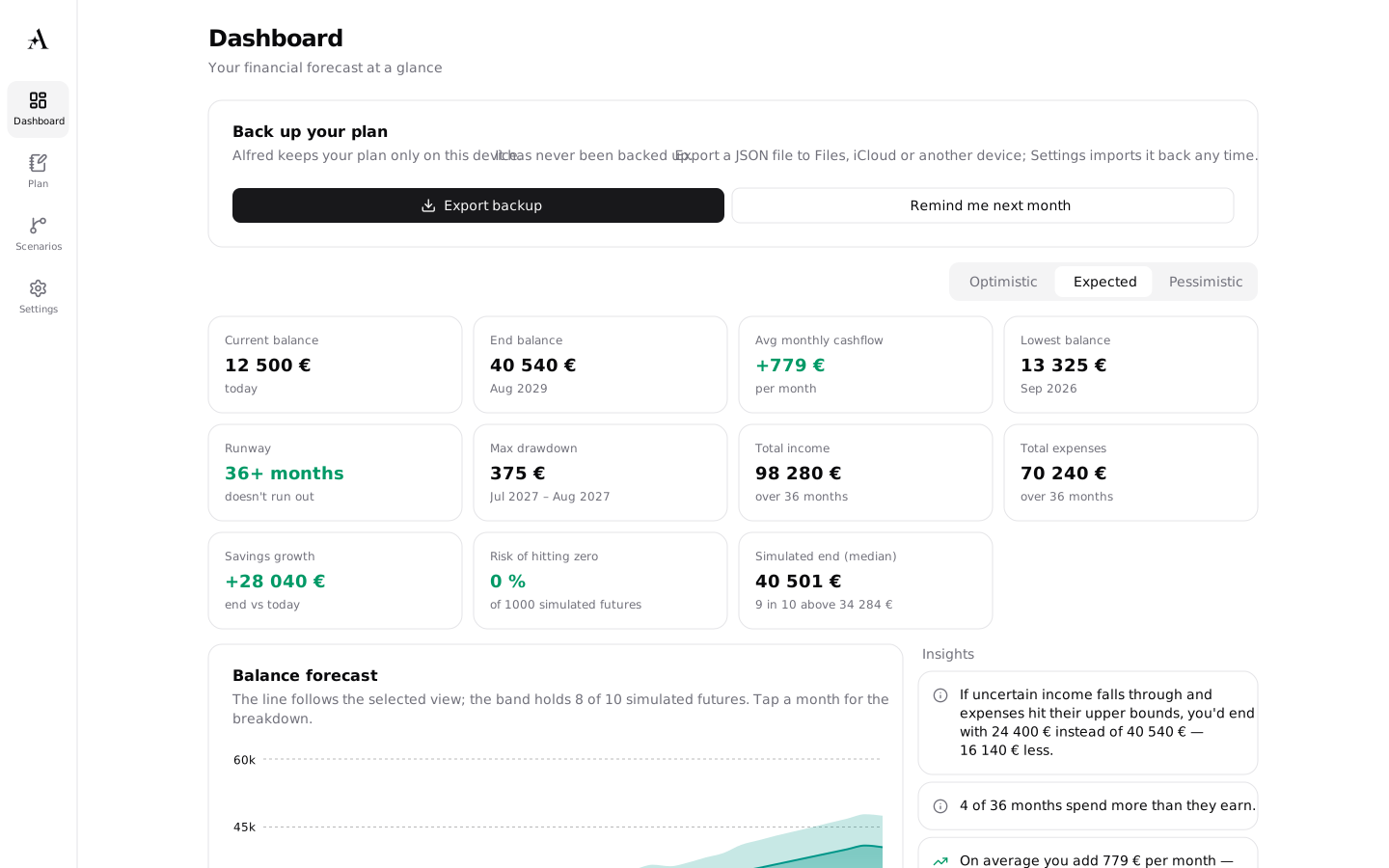 Available now
Web and PWA
Open app.myalfred.finance in any modern browser. Add it to your home screen from the share menu and it runs offline, with a console layout on tablets and desktops.
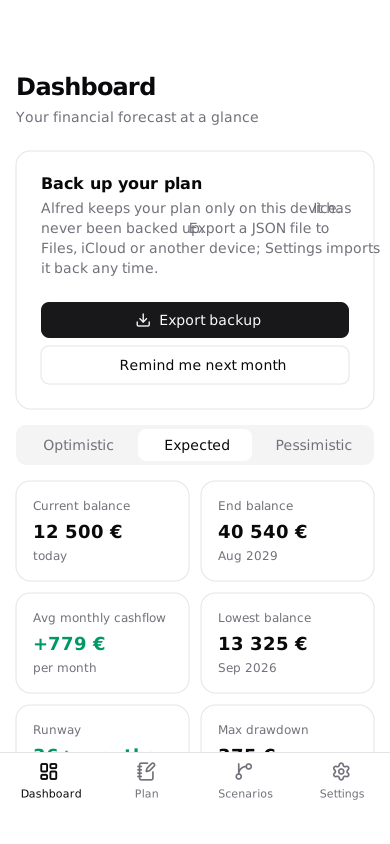 In testing
iPhone
A native app with a home-screen widget that shows your balance, the lowest point ahead and the risk of hitting zero. The App Store release is the next step.
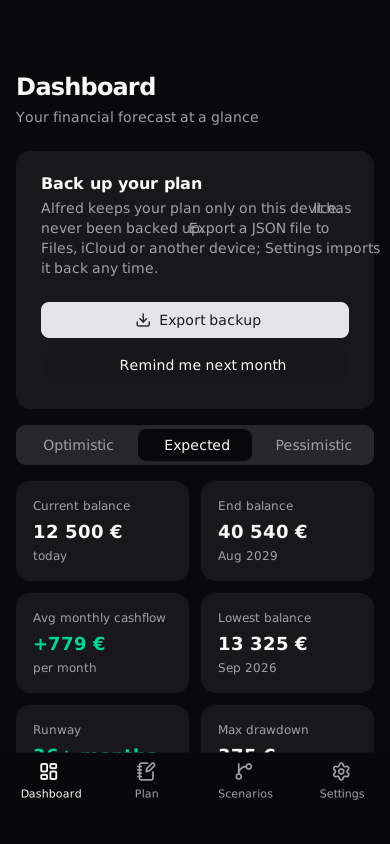 In testing
Android
The same app in a native shell, with a monthly reminder to confirm your balance. The Google Play release follows the iPhone version.
Questions
The short version of what people ask before they enter their first balance.
Start with the balance you have today.
Five minutes to enter what you know. Alfred does the rest, on your device.